
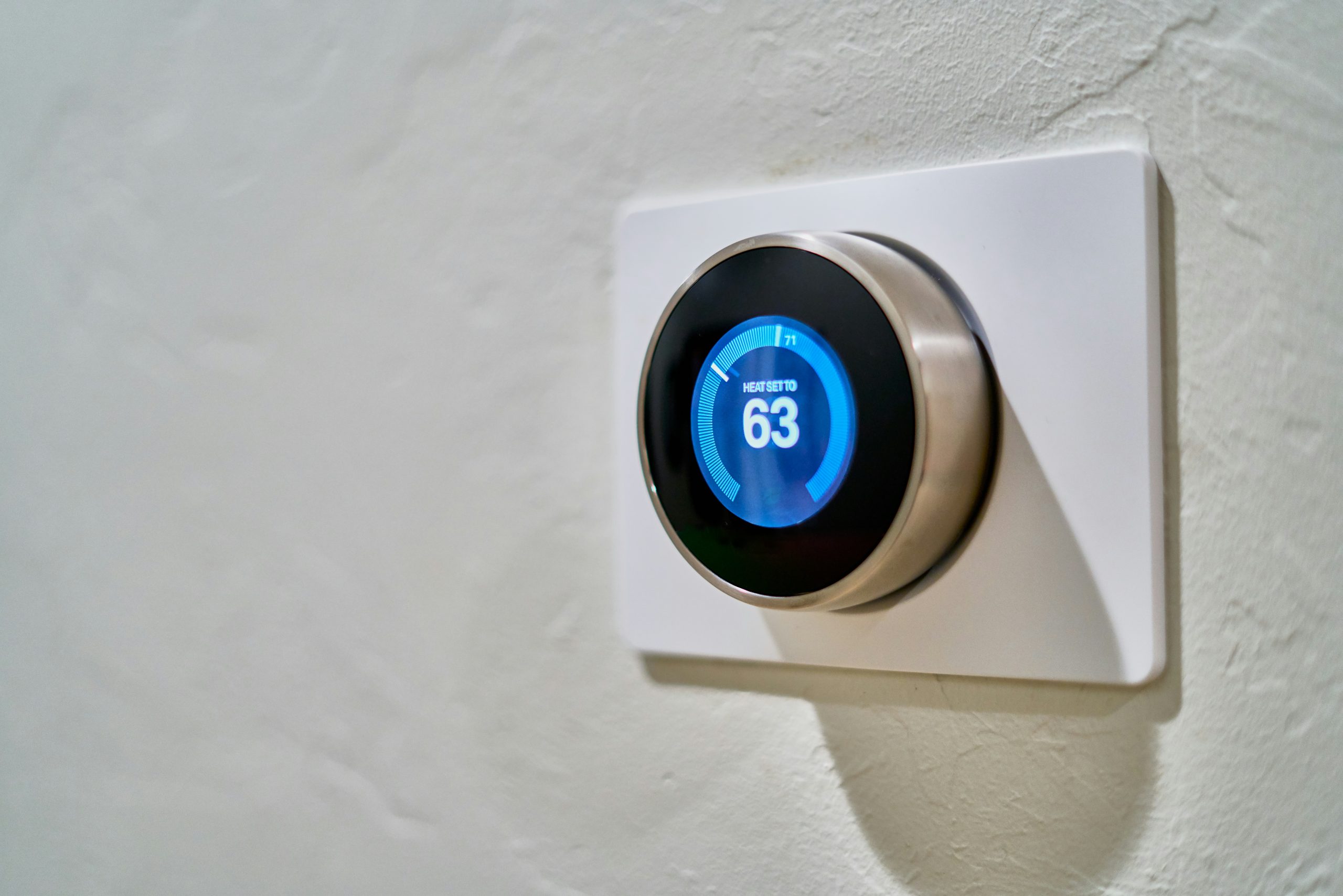
Smart speakers listen for wake words. Smart TVs track what you watch. Smart doorbells record visitors. Smart thermostats learn your schedule. Each connected device adds convenience – and privacy concerns. Let’s examine smart home privacy and how to manage it.
The Connected Home Today
Modern homes increasingly contain:
Smart speakers (Amazon Echo, Google Nest, Apple HomePod)
Smart TVs and streaming devices
Connected doorbells (Ring, Nest)
Smart locks and security systems
Smart thermostats and lighting
Connected appliances (refrigerators, washing machines)
Health and fitness devices
Children’s toys with internet connectivity
Each device potentially collects data and sends it to manufacturer servers.
Always-Listening Devices
Smart speakers technically only “listen” for wake words locally, then send subsequent audio to cloud servers. However:
False activations regularly capture private conversations
Some devices have been shown to send more audio than necessary
Recordings are often stored indefinitely on company servers
Human reviewers have listened to recordings for “quality improvement”
Recordings have been turned over to law enforcement
Even when working as designed, these devices create persistent recording capability in your home.
Smart TV Tracking
Modern smart TVs are surprisingly invasive:
Automatic Content Recognition (ACR): TVs analyze what you’re watching, even from external devices
Built-in microphones: For voice control – when active, who knows
App tracking: Streaming apps track viewing across services
Network monitoring: Some TVs monitor other devices on your network
Cross-device tracking: Linking TV viewing to phone and computer behavior
This data is sold to advertisers and used for targeted advertising.
Doorbell Cameras and Neighborhood Surveillance
Connected doorbells like Ring create privacy concerns beyond the homeowner:
They record people who haven’t consented (visitors, neighbors, passersby)
Footage is stored on company servers
Police partnerships allow law enforcement requests
Neighborhood social networks built on surveillance encourage suspicion
Hacking incidents have allowed strangers to spy on families
Your privacy choices affect not just you but everyone who passes by.
The IoT Security Problem
Smart home devices often have terrible security:
Default passwords: Many devices ship with easily guessed credentials
No updates: Cheap devices often never receive security patches
Unencrypted communications: Some devices send data unprotected
Long product lifetimes: Devices may be supported for years or just months
Compromised devices used in attacks: The Mirai botnet used IoT devices to attack other systems
Children’s Privacy Concerns
Smart toys and devices for children raise particular concerns:
Children can’t consent meaningfully
Toy data has been breached repeatedly
Some toys have had vulnerabilities allowing strangers to communicate with children
Recordings of children have been mishandled
Long-term implications of childhood data collection are unknown
Network Segmentation
One defense is isolating IoT devices on a separate network:
Use a guest network or separate VLAN for IoT devices
This prevents compromised devices from accessing your computers and phones
Many modern routers support this with reasonable ease
This contains the damage if devices are compromised.
Disabling Cloud Features
Many smart devices work locally without cloud connectivity:
Local-only smart hubs: Home Assistant, Hubitat allow local control
Disable voice assistants: Mute smart speakers when not in use
Use offline modes: Some devices work without cloud accounts
Block cloud connections: Network rules can prevent devices from phoning home
Choosing Privacy-Friendly Devices
When buying smart home devices:
Prefer local control (Z-Wave, Zigbee) over cloud-only
Check the manufacturer’s privacy practices and history
Look for devices supporting open standards
Consider open source firmware options
Read privacy policies (or summaries) before purchasing
Check security update commitments
Open Source Alternatives
Open source projects offer privacy-respecting smart home options:
Home Assistant: Powerful home automation with local control
OpenHAB: Open source home automation platform
Tasmota: Replacement firmware for many WiFi devices
ESPHome: DIY smart home devices with local control
These require more setup but provide full data sovereignty.
Voice Assistant Alternatives
Privacy-focused voice options:
Mycroft: Open source voice assistant
Rhasspy: Fully offline voice assistant
Local processing: Some Apple Siri features work entirely on-device
These don’t yet match commercial assistants in capability but eliminate cloud audio processing.
Practical Privacy Steps
For existing smart homes:
Inventory devices: Know what’s connected
Update firmware: Keep devices patched
Change default passwords: Use unique strong passwords
Review permissions and connected services
Disable unnecessary features (microphones, cameras when not needed)
Segment networks where possible
Delete old recordings periodically
Reconsider truly necessary devices
The Hospitality Question
Smart home devices affect guests:
Should you tell visitors about cameras and microphones?
What about Airbnb hosts using smart devices?
How do you handle children playing at homes with smart speakers?
These social privacy questions are still evolving.
For Students and Researchers
Smart home environments are fascinating research subjects in computer security, human-computer interaction, and privacy engineering. Understanding these systems helps you make informed decisions about which devices to bring into your space and how to configure them.
The convenience of smart homes is real, but so are the privacy implications. Thoughtful choices can help you balance both.