
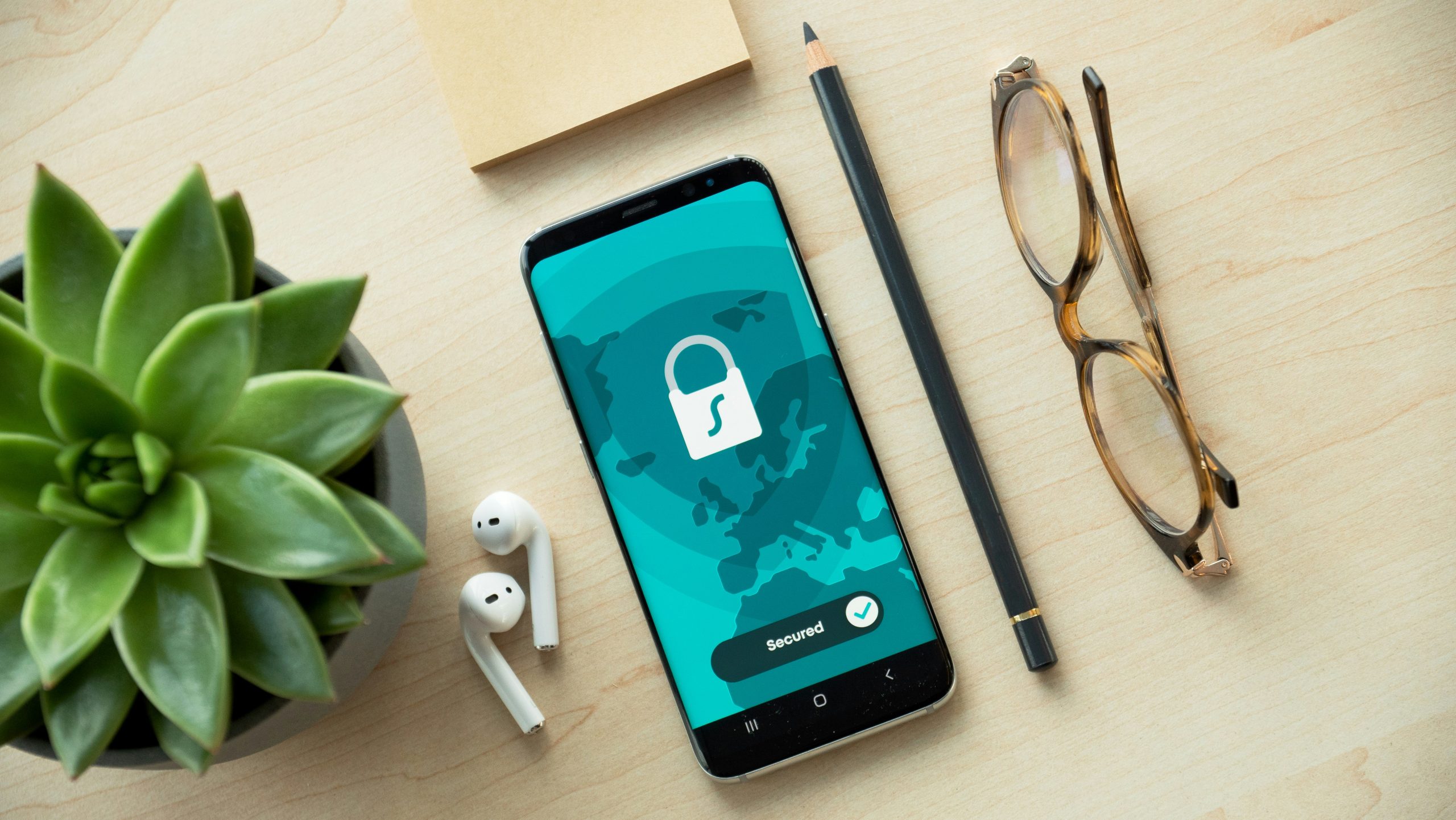
Yyou use. It’s probably the most privacy-invasive device you own – not because smartphones our smartphone knows where you go, who you contact, what you search, and what apps are inherently bad, but because of how they’re designed and used. Let’s explore mobile privacy challenges and solutions.
The Mobile Tracking Problem
Smartphones constantly collect data:
Location tracking: GPS, cell towers, and WiFi networks track your physical movements
App permissions: Apps request access to contacts, photos, microphone, camera, and more
Background activity: Apps can collect data even when you’re not actively using them
Unique identifiers: Advertising IDs and device IDs track you across apps
Metadata: Who you call, when, for how long – all recorded
Operating System Privacy: Android vs iOS
iOS (iPhone):
More controlled ecosystem with stricter app review
Better privacy defaults in recent versions
App Tracking Transparency requires permission for tracking
Closed source means you can’t verify privacy claims
Strong integration with Apple services (which collect data)
Android:
More open platform with greater customization
Google services deeply integrated (significant data collection)
Variable privacy depending on manufacturer’s modifications
Open source core (AOSP) allows privacy-focused variants
More freedom to install privacy tools
Neither is perfect for privacy, but both have improved in recent years.
Privacy-Focused Mobile Operating Systems
GrapheneOS:
Hardened Android focused on security and privacy
Removes Google services by default
Enhanced security features
Only works on Google Pixel phones (ironically)
CalyxOS:
Privacy-focused Android distribution
Includes MicroG for some Google app compatibility
Pre-installed privacy apps
Supports several devices/e/OS:
De-Googled Android with built-in privacy services
Cloud services designed for privacy
Wide device support
More user-friendly than GrapheneOS or CalyxOS
App Permission Management
Modern smartphones let you control app permissions. Best practices:
Review permissions before installing apps
Grant permissions only when necessary
Use “only while using app” for location
Revoke permissions for apps you don’t use regularly
Periodically audit which apps have what permissions
Location Privacy
Location tracking is particularly invasive:
GPS: Turn off when not needed; use “only while using app” permission
WiFi/Bluetooth: These can be used for location tracking even without GPS
Cell tower triangulation: Your carrier always knows approximate location; nothing you can do about this without turning off cellular
App location permissions: Be selective about which apps get location access
Encrypted Messaging on Mobile
Signal: Gold standard for encrypted mobile messaging
WhatsApp: Uses Signal Protocol but owned by Facebook
Telegram: Not end-to-end encrypted by default; “secret chats” are
Wire: Encrypted messaging with good privacy practices
Mobile Browser Privacy
Firefox Focus: Automatic tracker blocking and history clearing
Brave: Built-in ad and tracker blocking
Tor Browser (Android): Full Tor integration for maximum privacy
DuckDuckGo Privacy Browser: Privacy-focused with tracker blocking
Protecting Against Physical Access
Strong lock screen: Long PIN or passphrase (fingerprint/face ID are convenient but less secure)
Encryption: Enable full disk encryption (usually default on modern phones)
Remote wipe: Ability to erase phone if stolen
Lock screen notifications: Hide sensitive content from lock screen
Secure apps: Some apps offer additional PIN protection
App Store Privacy
F-Droid: Open source Android app repository with privacy focus
Aurora Store: Access Google Play apps without Google account
App privacy labels: iOS now requires developers to disclose data practices
Limiting Data Collection
Advertising ID: Reset or disable advertising ID
Disable telemetry: Turn off diagnostic data sharing
Review account syncing: Disable unnecessary cloud syncing
Use privacy-focused alternatives: Replace data-hungry apps with privacy-respecting options
Mobile VPNs
VPNs on mobile hide your IP and encrypt traffic, but:
Choose reputable providers
Understand VPNs don’t provide anonymity
Be aware of battery drain
Some apps bypass VPNs
For Students and Researchers
Mobile privacy matters in academic contexts: protecting research data, securing communication with subjects, maintaining separation between personal and professional activities.
Understanding mobile privacy helps you make informed choices about which tools to use and how to configure them for your needs.